

// React · Node.js · TypeScript · libadwaita · GTK 4
The React framework for Linux
Build native Adwaita and GTK apps with the workflow of modern web development: React components, Fast Refresh, native UI tests, and packaging, on Node.js.
Why GTKXnpm create gtkx@2.0.0-beta.14Prefer the stable release? Use GTKX 1.6 stable.
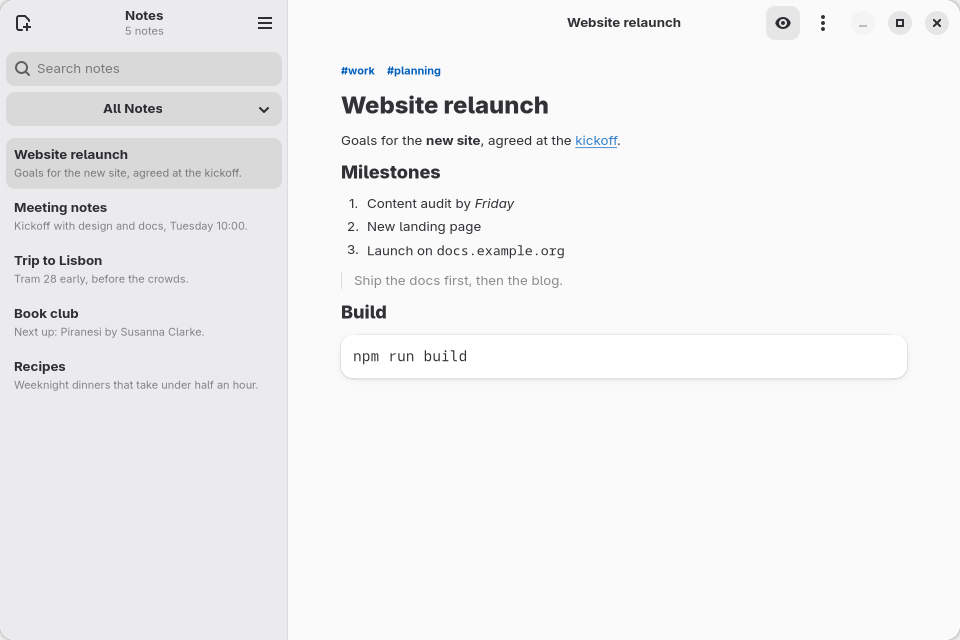
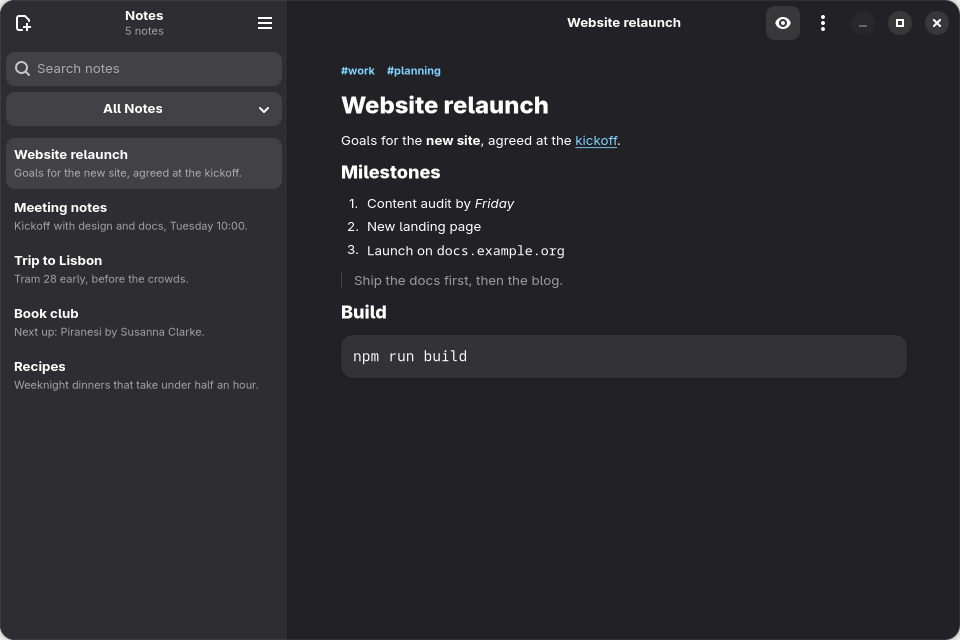
<ListView<Note>
  items={shown.map((note) => ({
    id: note.name,
    value: note,
  }))}
  renderItem={({ item }) => (
    <NoteRow note={item} />
  )}
/>
The workflow
From npm create to an installable package
Each step uses tools web developers already know, on real GTK and Adwaita widgets.
Create
Scaffold a project
The scaffolder sets up an Adwaita application window, TypeScript, and tests.
npm run devopens the app.Terminalnpm create gtkx@2.0.0-beta.14cd my-appnpm run devDevelop
Write native widgets in JSX
- Adwaita and GTK widgets as components; React updates them when state changes.
- Fast Refresh applies most edits to the open window and keeps its state.
- Generated types for the native libraries you add, such as WebKitGTK: props, signals, and methods.
- Node.js and npm: read files, make requests, and use packages such as Zod.
- MCP lets your coding agent inspect and drive the running app.
src/app.tsx<AdwToolbarView top={<AdwHeaderBar />} > <GtkScale adjustment={ <GtkAdjustment upper={100} /> } drawValue onValueChanged={(scale) => setVolume(scale.getValue()) } /> </AdwToolbarView>Test
Test the real interface
Tests run in Vitest on a private headless display. Find widgets by role and name, click and type, and assert on what the user sees.
tests/settings-panel.test.tsxit("saves the name", async () => { await render(<SettingsPanel />); const name = screen.getByRole( Gtk.AccessibleRole.TEXT_BOX, { name: "Display name" }, ); await userEvent.type(name, "Ada"); await userEvent.click( screen.getByRole( Gtk.AccessibleRole.BUTTON, { name: "Save" }, ), ); expect( await screen.findByText( "Settings saved", ), ).toBeVisible(); });npm test ✓ tests/settings-panel.test.tsx (1 test) 30ms Test Files 1 passed (1) Tests 1 passed (1)
Ship
Package for Linux
npm run deploybuilds Flatpak, Debian, RPM, and AppImage packages from your configuration, and generates the desktop entry and AppStream metadata.gtkx.config.tsexport default defineConfig({ applicationId: "dev.gtkx.Notes", applicationIcon: "data/icons", deploy: { name: "Notes", genericName: "Markdown Notes", categories: [ "Utility", "TextEditor", ], targets: [ "flatpak", "deb", "rpm", "appimage", ], }, });npm run deploy .flatpakA sandboxed application with a GNOME runtime .debDebian, Ubuntu, and derivatives .rpmFedora and other RPM distributions .AppImageA downloadable executable file
Why GTKX
Node.js owns the process
That is why npm packages, Vite, and Vitest work in a GTKX app. GTKX targets one platform, GTK and Adwaita on Linux, and exposes all of it.
GTKX
React Native Abstracts over platforms, mostly mobile, and none of its platforms renders GTK or Adwaita.
gtk4-rs and Relm4 Rust bindings for GTK, with declarative macros in Relm4. Neither provides hot reloading, a dev server, or UI test automation.
The tutorial
Build a notes app
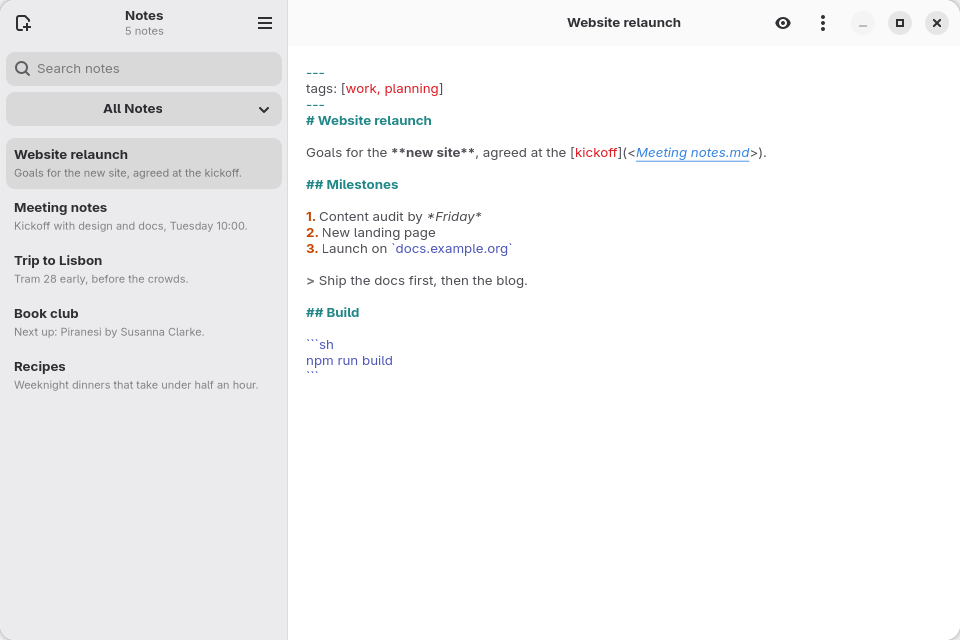
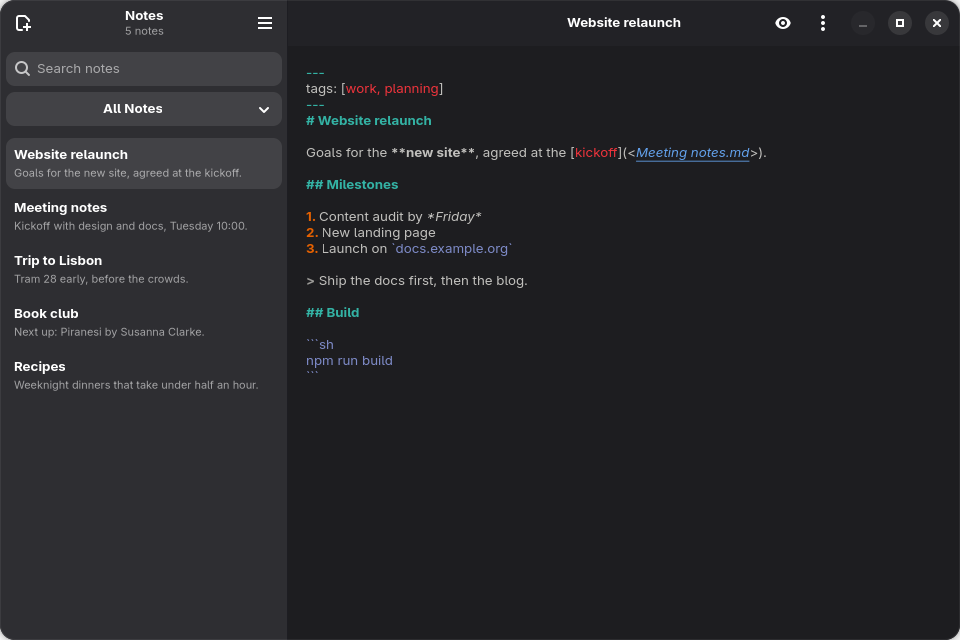
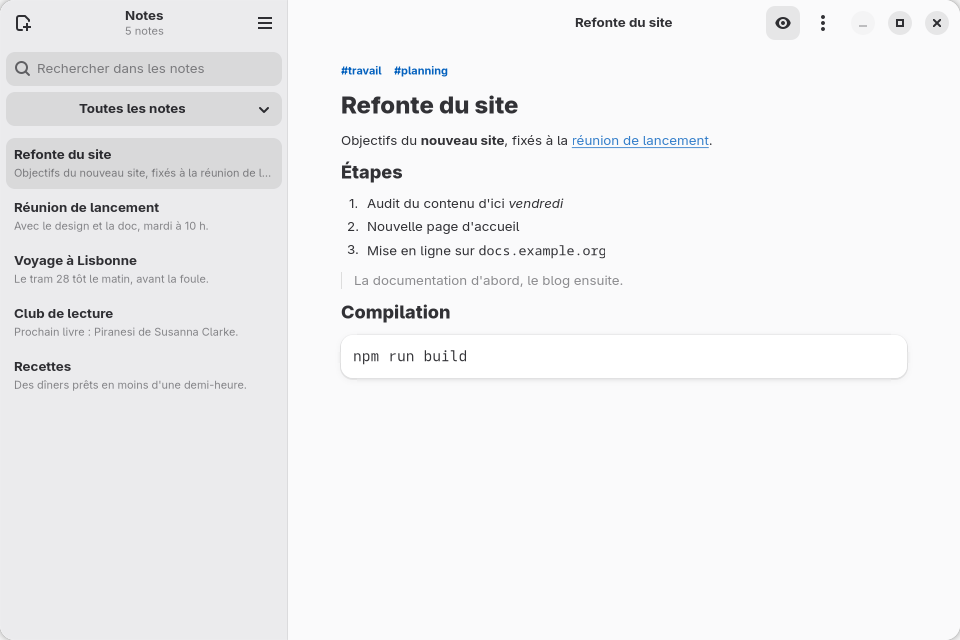
Build Notes one feature at a time: Markdown files, a live preview, search in a worker, and link completion. Then test it, translate it, and create installable packages.
Open your first window
Create a project, run it, and edit it while it stays open.
npm create gtkx@2.0.0-beta.14